Building with Toqan
A hands-on workshop for AI Accelerators.
Today’s workshop
Short demos, then time to build.
Context files
Build persona.md from your own Slack history.
20 minWeekly planning
Plan focus time with Calendar and Jira.
20 minReusable skills
Turn a finished task into a skill others can use.
40 minVM and external tools
Try file sync, subagents, and API connections.
25 minBuild and demo
Connect your own service to Toqan.
45 minToqan: a distribution platform
Bring your work to colleagues across Prosus. Skills are one example.
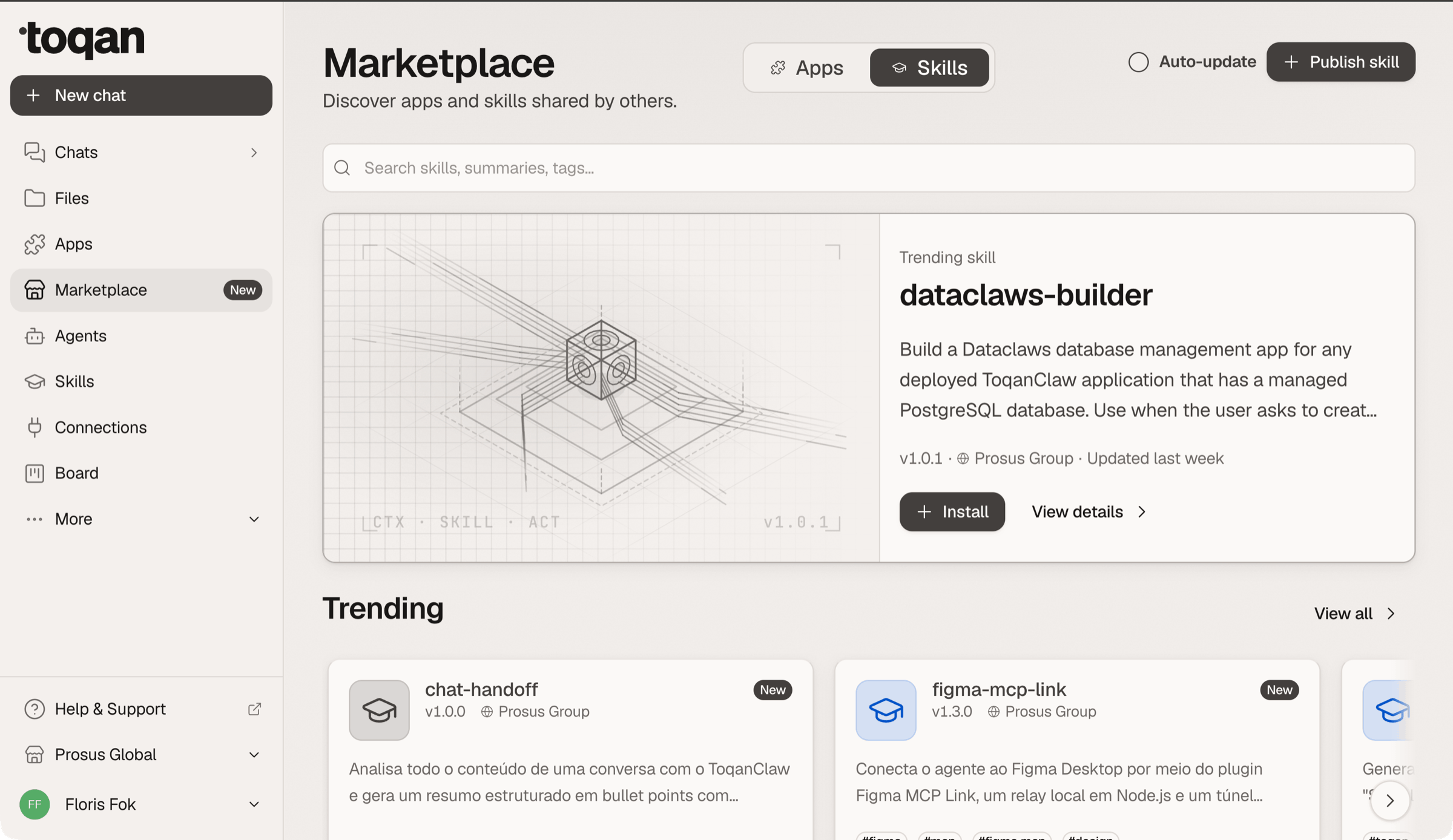
Toqan › Marketplace › Skills · published across Prosus Group and business units
Set up your
context files
What your agent needs to know
Your role, priorities, working rules, and past decisions.
Don’t write your persona. Let Toqan read it.
Slack already holds the evidence of how you work. Point the connector at it.
Cover what I am on the hook for, how I want you to talk to me, what you may do without asking, what “done” looks like, and the corrections I keep repeating to agents.
Push back if an answer is vague. Six sections, under 400 words. Then tell me the three things you still do not know.
The last line is the point: it hands you your homework.
Two lanes out of this room
Which one you are in depends on one thing: whether your Slack connector is live.
Build the whole pack
Run the extract prompt, then point the same move at the rest of the files.
- persona.md from how you actually work
- voice.md from how you actually write
- glossary.md and decisions.md from your threads
- Leave with a pack your agent reads every session
Leave with persona.md
Grab one of us. We get the connection up, or you fall back to the interview.
- Same six sections, same 400 words
- You answer the questions instead of Slack answering them
- Nobody leaves without persona.md
- The rest of the pack is your homework
Exercise: build and break your persona
Start at 1 if your connector is live. Start at 2 if it is not, and raise a hand.
Six sections, under 400 words. Push back on anything vague. Then tell me what you still do not know.
Same six sections, same 400 words. Same list of what is missing.
Where would it make you produce the wrong thing? Which lines change no decision? Rewrite it.
Whatever it says it still does not know is the homework you leave with.
The context pack
Download the examples. Edit what you need.
all nine, ready to edit
Upload the whole folder into a Toqan chat once, and every session after it starts knowing where it is.
Same move, the rest of the pack
Slack is evidence for more than your persona. Swap the file, keep the method.
Three real quotes per rule. Not the voice I wish I had.
Flag the terms where usage conflicts and make me settle them.
List what only looks decided, separately.
What the connector cannot see, you still have to type. That is the honest part of the pack.
Decide how much you need to type
Extract everything Slack can prove. Only type what is left.
Plan your week
with AI
Schedule a weekly check-in
Friday, 16:00: review next week and approve a plan.
How focus-friday works
Make room for focused work
Protect blocks of at least 90 minutes.
Edit the planning rules
Change your protected day and time limits in reference/rules.md.
focus-friday-skill.zipSKILL.md, rules, scripts, doctor
Connect Calendar and Jira
Google Workspace is one OAuth click. Jira has no connector yet — bring it in as an MCP server. The own-calendar-only limit is a rule in the skill, not a setting. Run the doctor before planning.
Exercise: plan next week
Install focus-friday, check the setup, then review its proposal.
Show proposed blocks, reasons, and work that did not fit. Wait for my approval before writing.
Save my corrections in reference/rules.md.
Build a
reusable skill
What goes in a skill folder
Skills are more than a description, a name, and an MD file.
Scripts
Write the logic once. Run it whenever the skill needs it.
Onboarding.md
Four steps. Step two runs on sample data, so nobody needs real access to see it work.
reference/
SKILL.md stays short. The rules, the examples and the FAQ get read only when they are needed.
assets/
Do not describe the format in a prompt. Include the template and let the skill fill it in. Add brand assets such as LOGO.png too.
Check the setup with a doctor
Check dependencies and connectors before the skill runs. Give a fix for each failure.
skill-product-template.zipSKILL.md, ONBOARDING, FAQ, doctor.py, examples
Before you publish
A colleague ran it without help
The description uses familiar words
Errors explain what to fix
All required files and setup steps are included
Tested on two accounts
Owner and support channel listed
Build a skill from a finished task
Use the conversation, including your corrections, as the starting point.
Save this session as a skill
Run this after finishing a task in chat.
Build SKILL.md, scripts, rules, examples, and templates from this session.
Tell me what would break for a colleague.
Exercise: turn your work into a skill
Choose a task from this week that took more than one attempt.
Turn the steps and corrections into a skill folder with scripts, rules, and examples.
Test it as a new colleague.
Use the VM
and external tools
What runs in a Toqan session
A Linux machine with files, runtimes, processes, and network access.
API credentials through a proxy
It’s like a secret manager: store the credential once, and the proxy adds it to matching requests. The agent does not need to read it.
Exercise: API auth injection
It’s like a secret manager: save the key in the connection, and Toqan adds it when calling the API.
- In Toqan › Connections, add an API connection named fake-api for
https://fake-api.boxd.sh/. - Configure auth injection for this host: header name
X-API-Key, secret valuedummy. Save the connection. - Ask Toqan: “Use the fake-api connection to GET https://fake-api.boxd.sh/ and show the response.” Keep the key out of the prompt.
- Success: 200 OK and
Hello World. A direct request with a missing or incorrect key returns 401 Unauthorized.
curl https://fake-api.boxd.sh/ -H 'X-API-Key: dummy'
The demo API is already deployed and configured to start automatically after reboots.
Scheduling a task
Give Toqan the task, timing and expected result. Check the saved schedule and timezone, then test the task once.
No mounting of
file storage?
Build one!
A skill tells the agent which CLI to use. The CLI fetches remote files via GET; the proxy injects the token.
Toqan is your playground
Use subagents to read and summarise
One feature I always forget exists
Each subagent reads a source and returns only what the main agent needs. Workflow-style agent chains are also supported, like in n8n, with one agent passing its output to the next.
Build an
external connection
Rules for external services
Anything that is not yet there,
you can build
Run a server on your laptop and connect it through a tunnel.
Add your server to Toqan
Start the server, open the tunnel, and add the URL and token header. Ask Toqan to list the tools.
server.py, SETUP.md, the troubleshooting table
/mcp at the end of the URL. Save is blocked until you tick both trust confirmations.Create a skill to use your external service
Tell Toqan when to call it, what to send, and how to use the result.
Exercise: connect a service to Toqan
Choose a task
- 0–5Choose a task that cost you an hour this month.
- 5–20Build a service: an MCP server, scraper, or API. Test it with curl.
- 20–30Connect it to Toqan. Check the tool list and test with real data.
- 30–40Add a Toqan skill, a setup check, and a quick-start example.
- 40–45Let a colleague run it without help.
After the workshop
- Save your context pack and load it into every session from now on
- Let the planner run on a real Friday and correct it once, in writing
- Publish one skill with a doctor with your name and a channel on it